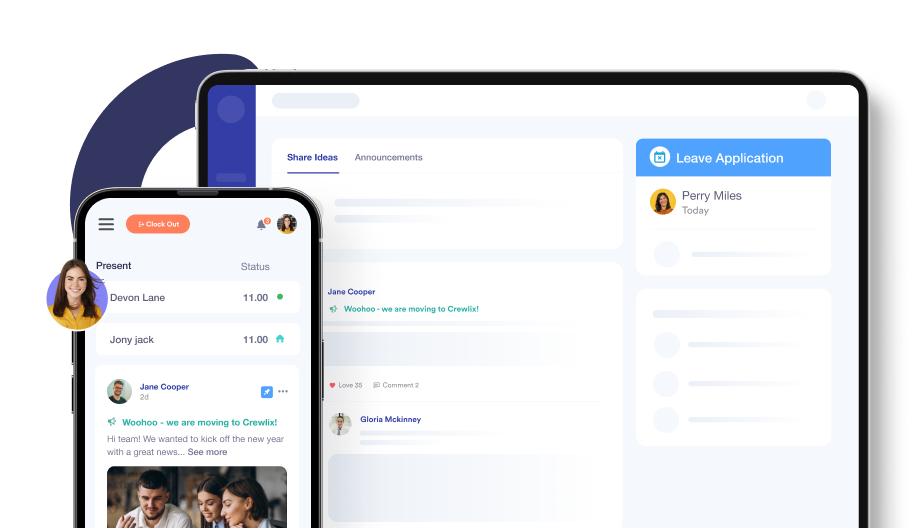
Employee Profile Management Made Easy
Keep user's data neatly in one spot. Our simplified approach puts people first, making the profile management system clean and effortless.

Tailored To Real People's Needs
Experience the fusion of efficiency and personalisation with Crewlix. Our profile management system is designed to prompt real people.
ORGANISED INFO
Get Individual Information In One Place
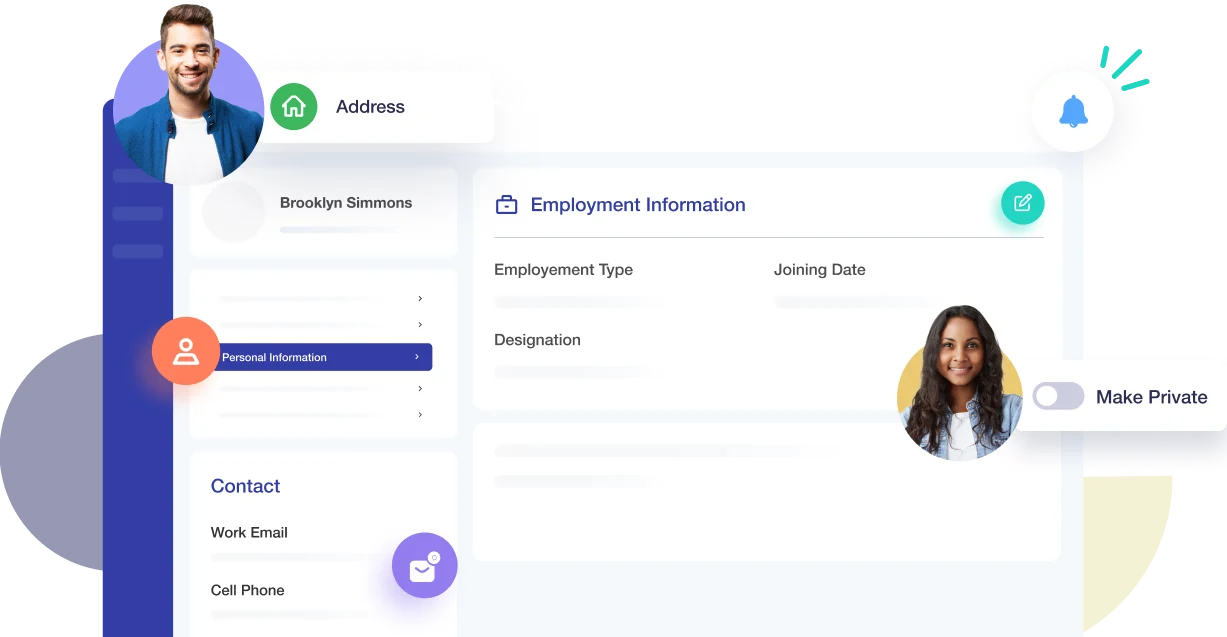
Crewlix profile is your one single hub to store all people's information categorised neatly for easy access and editing. Starting from basic employment info to personal, salary, and bank information to leave and holiday records, all information is present, organised, and sorted on one page.
Update information quickly and effortlessly
Gain a complete picture of staff profiles quickly
Track individual’s performance with private notes
REDUCE WORKLOAD
Assign Roles & Permissions Individually
Setting permissions one by one can be time-consuming. Instead, assign roles to people that automatically give them the access they need. To make things easier and faster, create different roles for different titles and assign them with a click.
One-click role and permission assignments
Grant all necessary access with designated roles
Streamline access by assigning roles to groups
Organise Personal Information

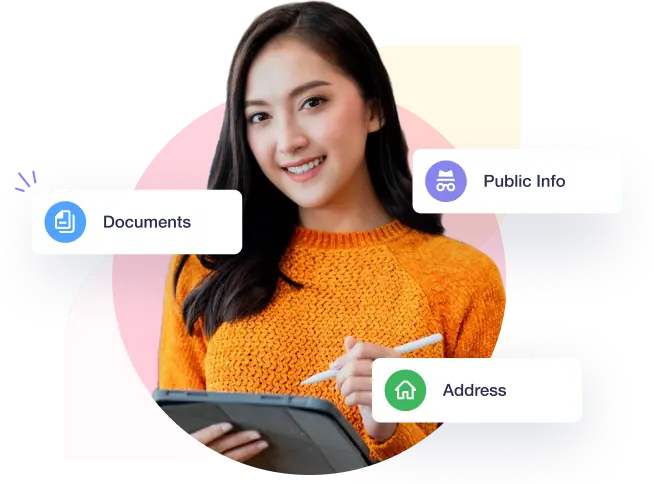
Change messy management into smooth, organised operations with well-arranged team information. Just a click away, tabs like leave and holiday, personal info, and documents will guide you to the exact details you seek. Leave the nightmare of disarray behind and welcome organised, accessible insights with Crewlix, an efficient profile management tool.
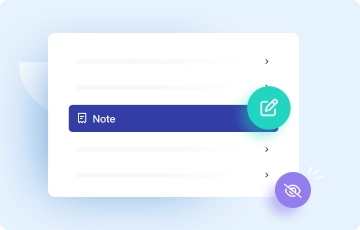
Keep Private Notes
Add reviews to monitor everyone's progress, make notes, and maintain their visibility exclusively for management.
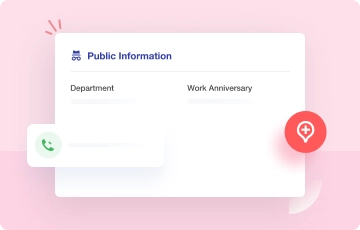
Save Emergency Contact
Commit to your team's wellbeing and find emergency contact info quickly displayed on their public profile.
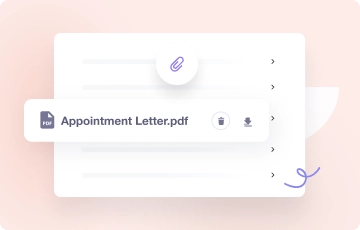
Upload Necessary Docs
You can upload and keep essential documents in formats like JPG, DOC, and PDF, and also add links to each profile individually.
PROTECT PRIVACY
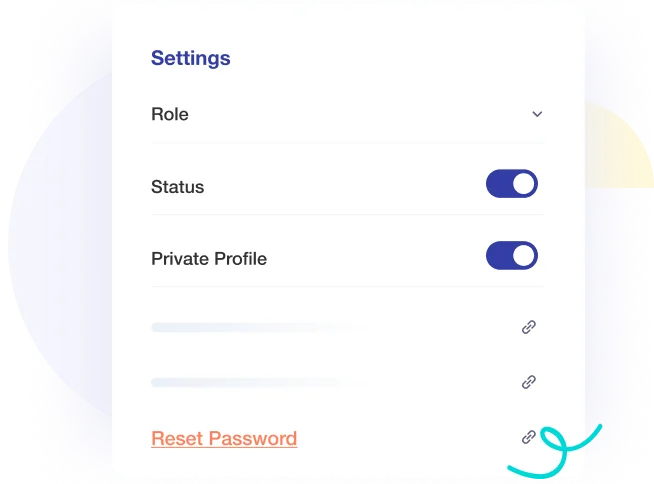
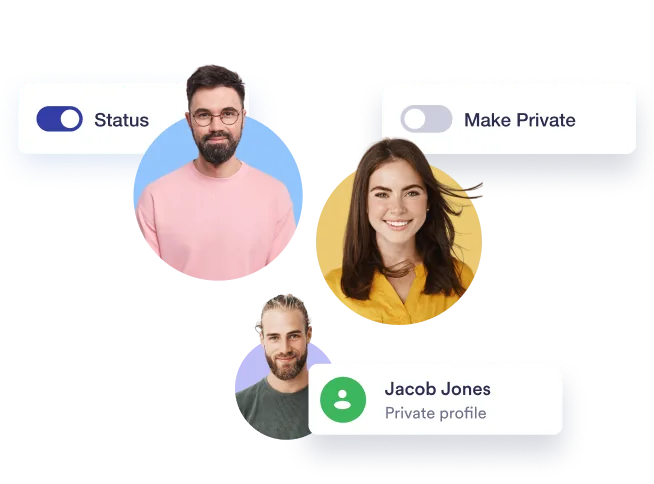
Make Profile Private Or Disable To Limit Access
Set any profile to ‘private,’ preserving all records as usual, shielding them from everyone else except those with authorisation. Also, in situations where you fear that anyone’s profile has been compromised, Crewlix offers an easy solution. Disable or enable individual profiles to restrict access for a while to keep intruders out.
Keep company's sensitive profiles safe
Restrict access to the software instantly
Take quick measures in case of a security breach
IMPROVED EFFICIENCY
Assign Faster By Creating Groups
Avoid the hassle of individual scheduling for leaves, shifts, and holidays. Group people together by name, department, or designation, then assign what's needed in one go to minimise delays.
Group people together to expedite your workflow
React quickly to changes to schedules for groups
Make scheduling easier by grouping staff together

Stay Connected Anytime, Anywhere
Enjoy a seamless real-time experience as Crewlix synchronises instantly across all devices.
Start For Free