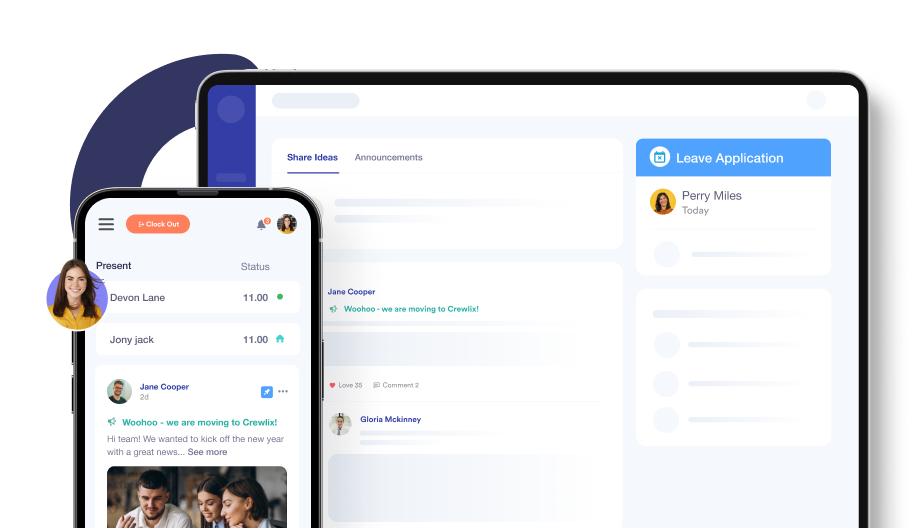
Time and Attendance Management
Experience accurate timekeeping and seamless integration. Let Crewlix handle the time and attendance calculation, all from a single, convenient platform.


Invest Time In Business, Not Attendance
Hand over the headache of timekeeping to Crewlix–the ultimate attendance management software.
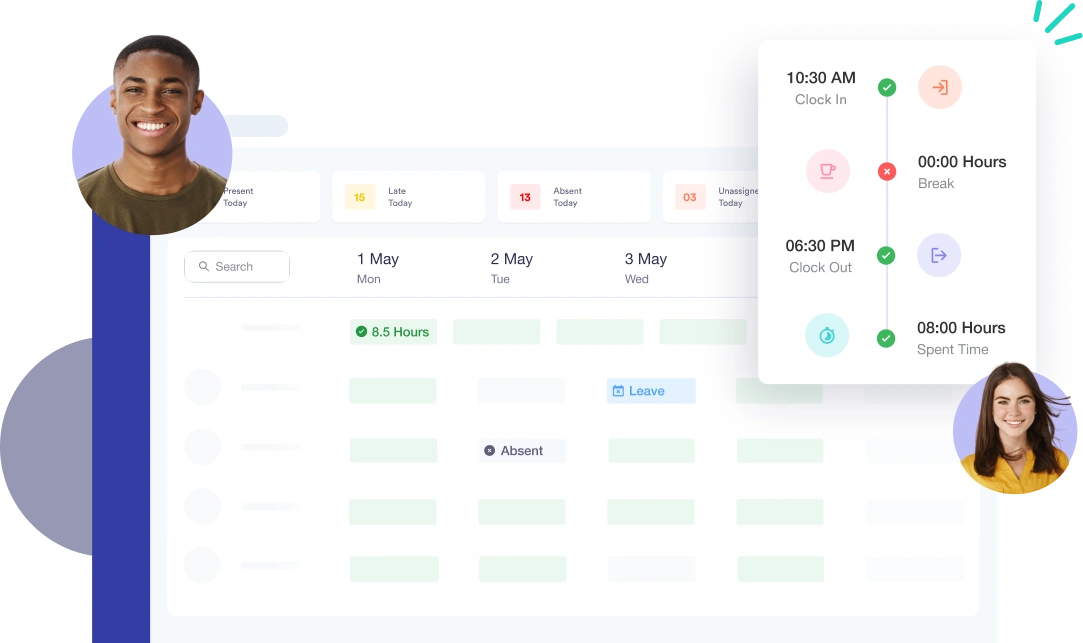
WEEKLY TIME OVERVIEW
Get Quick Insights With a Bird’s-Eye View
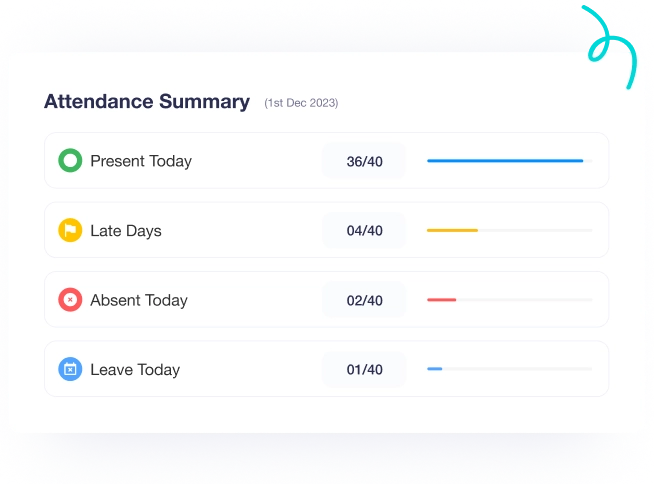
Kickstart your day with an overview of your company's time dynamics. Know who's in, out, running late, or on leave. It's a full spectrum of time insights, streamlined and sorted right at Crewlix’s time dashboard.
Overall, glance at everyone’s week in minutes
Understand everyone's time patterns for better insights
Track entry time, leave, and other statuses at once
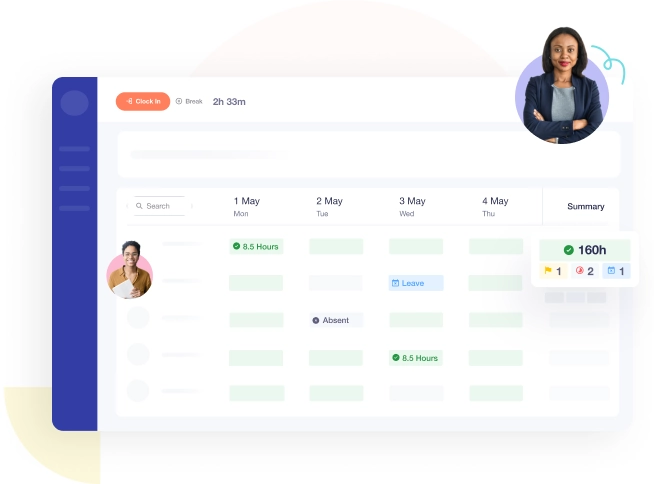
ANALYSE PERFORMANCE
Understand Everyone’s Day With Individual View
Know individual team members' timing and work patterns to spot where tweaks are needed and take action seamlessly. It's not just about tracking time; it's about fine-tuning your team's rhythm to perfection!
An in-depth look at anyone’s monthly time
Quick signaling flags for late entry, WFH, overtime, etc
Spot irregularities and areas for individual improvement
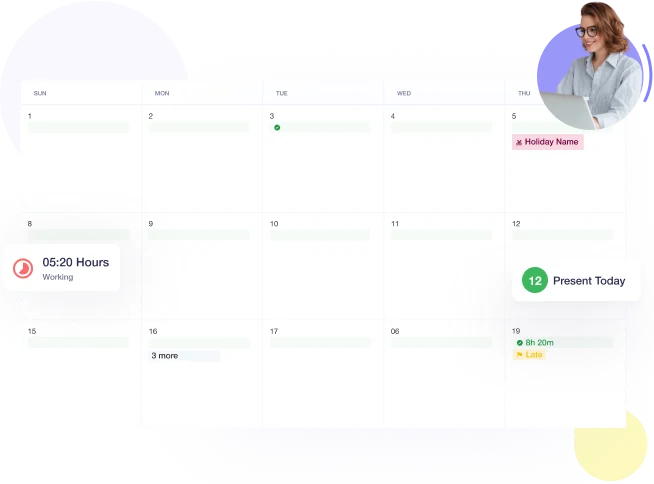
Easy Clock In & Clock Out

Crewlix turns Clock In and Clock Out into a breeze with just a click, automatically keeping count of people's hours. Plus, customise where clock-ins happen, e.g., from home or from the office, to zap away any confusion. Crewlix is fast, easy, and foolproof!
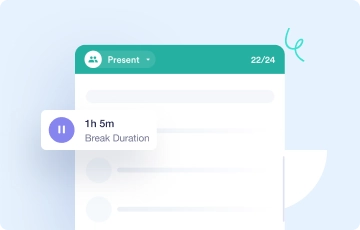
Measure Accurate Breaks
Forget manual timekeeping – as accurate break times are calculated with Crewlix. Anyone could just hit pause and resume when they’re back.
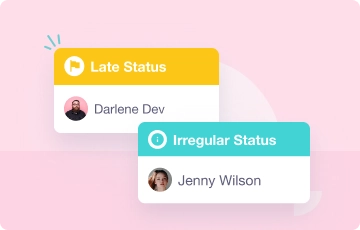
Flag Late Entries
No more awkward run-ins for tardy arrivals – any late entries are auto-flagged past the set check-in time to promote transparency company-wide.
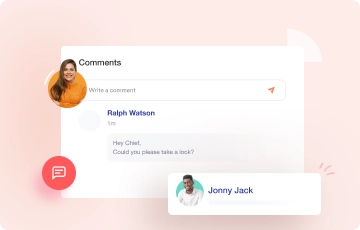
Make a Comment
Easily fix missed clock-ins! Individuals can leave comments on any misses, and you'll be notified so you can review and resolve them quickly.
KEEP PEOPLE IN THE LOOP
Timesheet–Keeping You Informed
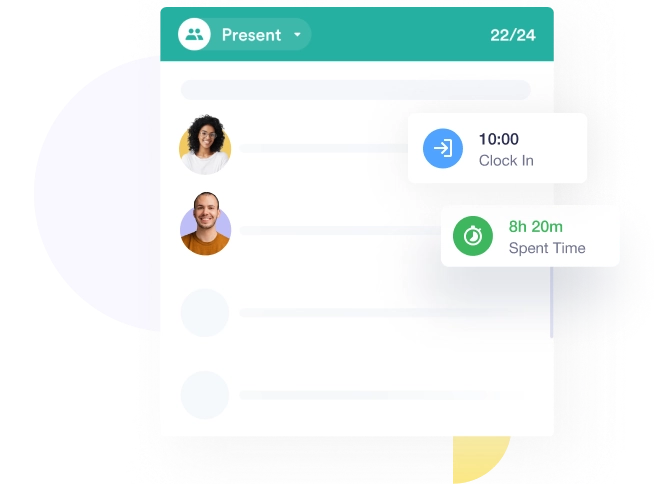
Timesheets can sort out and show all the people who are present, late, on a break, or have incomplete hours. This way, anyone from the team can check others' status to plan ahead and meet commitments.
Timesheets keep everyone up-to-date on other's status
Flip through the card to see who’s present or not
Check if the team member is on break before reaching out
MAKE DECISIONS EASILY
Get Monthly Time Recaps For Everyone
There's no need to search for leave or late entry records, as everything is neatly summarised and displayed for you. The Crewlix time dashboard features a summary ribbon that shows leaves, late arrivals, and incomplete work hours, allowing you to make fast decisions.
Quick overview to help you make swift decisions
Time logs will help you make informed decisions
Analyse productivity concerns and time issues accurately
Stay Connected Anytime, Anywhere
Enjoy a seamless real-time experience as Crewlix synchronises instantly across all devices.
Start For Free